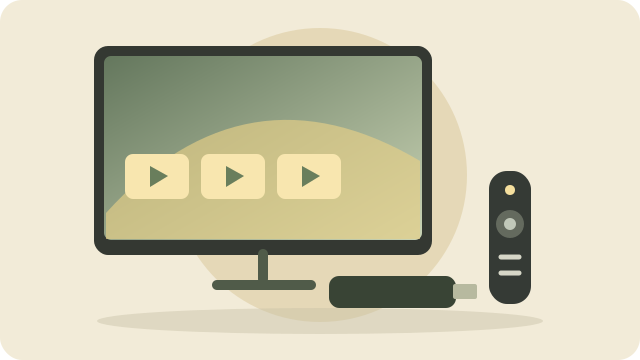
A streaming device plugs into your TV and brings services such as Netflix or YouTube to the screen. You will need home internet and a compatible TV connection.
Secondhand streaming devices
No secondhand streaming devices are listed yet. Ask Mark about available options and whether they work with your TV.
Get the exact model and generation. Older devices may lose app support.
Make sure the remote, power adapter, and necessary cables are included.
Confirm the device can be reset and removed from the previous owner’s account.
Test your preferred services and the TV’s picture and sound connections.
New streaming device buying guide
For an Amazon household
Amazon Fire TV Stick
Consider it if: You use Prime Video or like searching for shows with Alexa on a voice remote. The stick plugs into your TV’s HDMI connection.
Fire TV Stick HD: The entry-level option for everyday viewing on an HD TV.
Fire TV Stick 4K: The current middle option for a compatible 4K TV, with Wi-Fi 6 and a redesigned remote.
Fire TV Stick 4K Max: More storage and premium features such as Dolby Vision picture and Dolby Atmos sound, with compatible equipment and content.
What that means: Voice search lets you ask for a show instead of typing its name with the remote. 4K adds picture detail only when the TV and show support it.
Keep in mind: Check your preferred apps before buying. Older Fire Sticks have different features. Prime membership and paid streaming services are separate from buying the device.
A streaming box with Apple’s TV interface and Siri Remote. Compare the exact generation, network connections, and included remote before buying new or used.
Consider it if: You already use Apple devices and prefer staying with that system.
Tradeoff: Compare total cost with a basic Roku, especially if you only need a few apps.
The device is not the subscription. Buying a streaming box does not include every channel or service. Some apps are free with ads; others charge monthly. Check local channels, sports, and your total monthly bill before canceling cable.
Printer and streaming guides reviewed November 1, 2026. New products above are buying-guide examples, not Mark’s stocked inventory. Manufacturer links open in a new tab. Check current prices and features before purchase.
A little guidance goes a long way
Not sure where to start?
Tell Mark what you need and what you would like to spend. Get friendly, one-on-one help choosing the right fit.